Simple booking software
Create and manage tee sheets. Online booking for users.
Step 1
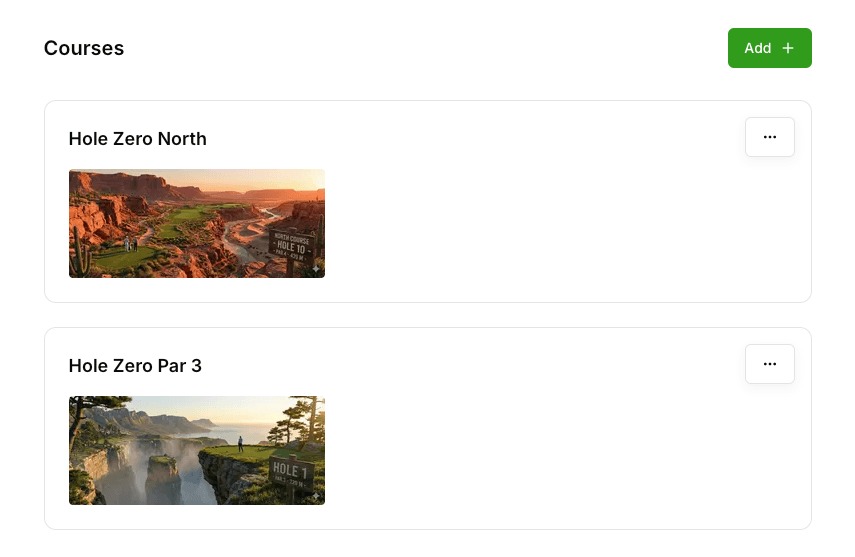
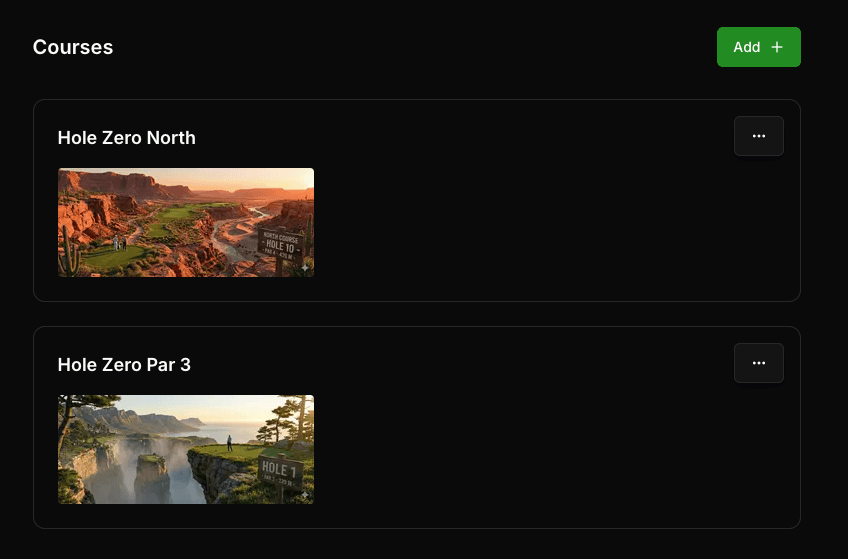
Set up your course
Tell us about your course and we'll configure everything for you. Hole, tee, and booking rules are all customizable.
- Course details, holes and tee locations
- Operating hours and seasonal schedules
- Booking rules and cancellation policies
Step 2
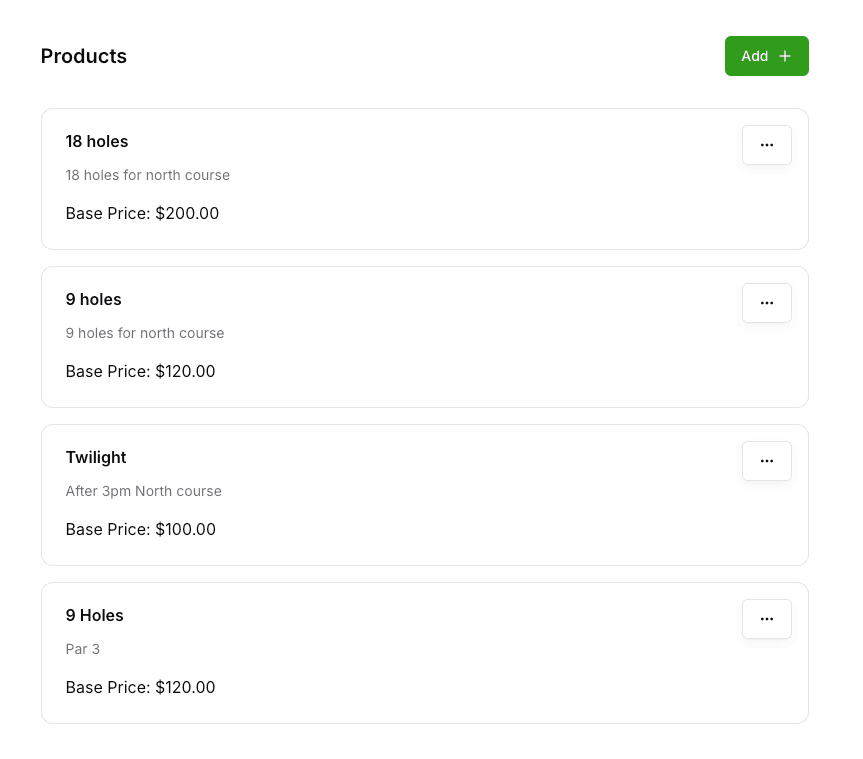
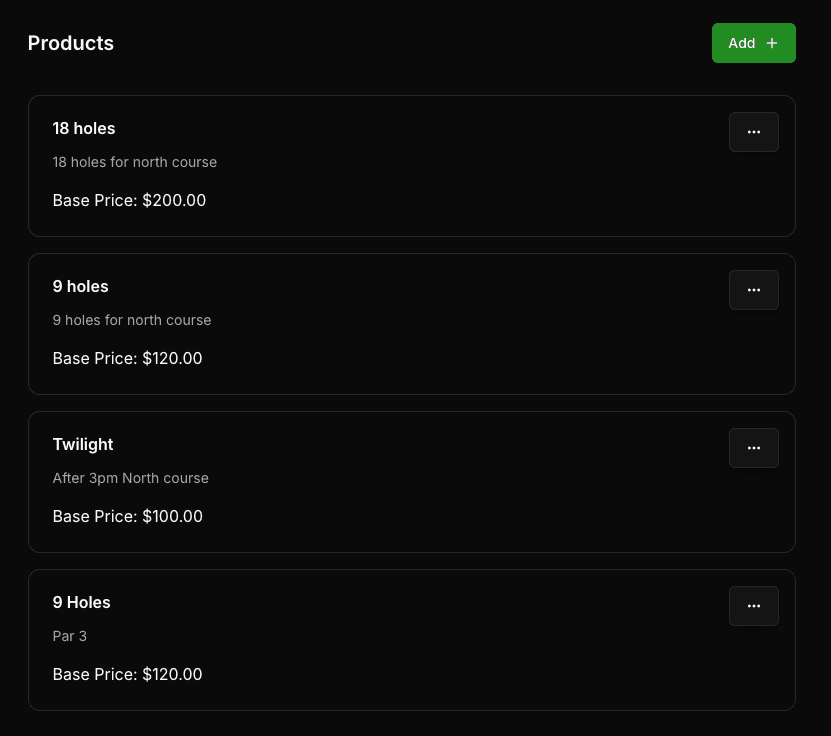
Configure your products
Create the products and add-ons you want to sell. Set pricing, group sizes, and availability for each one.
- Unlimited products and add-ons
- Flexible pricing per product
- Cart rules and booking limits
Step 3
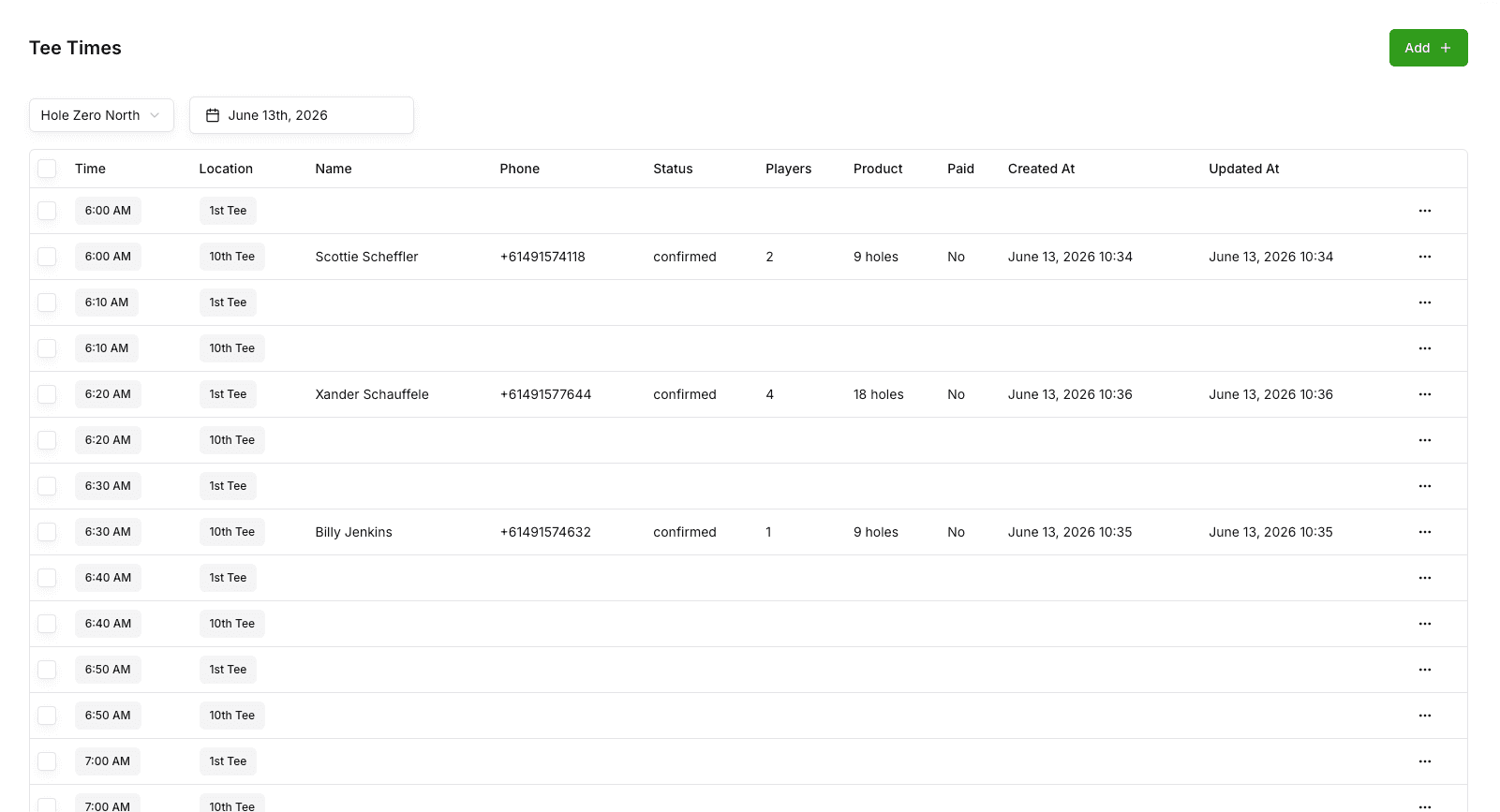
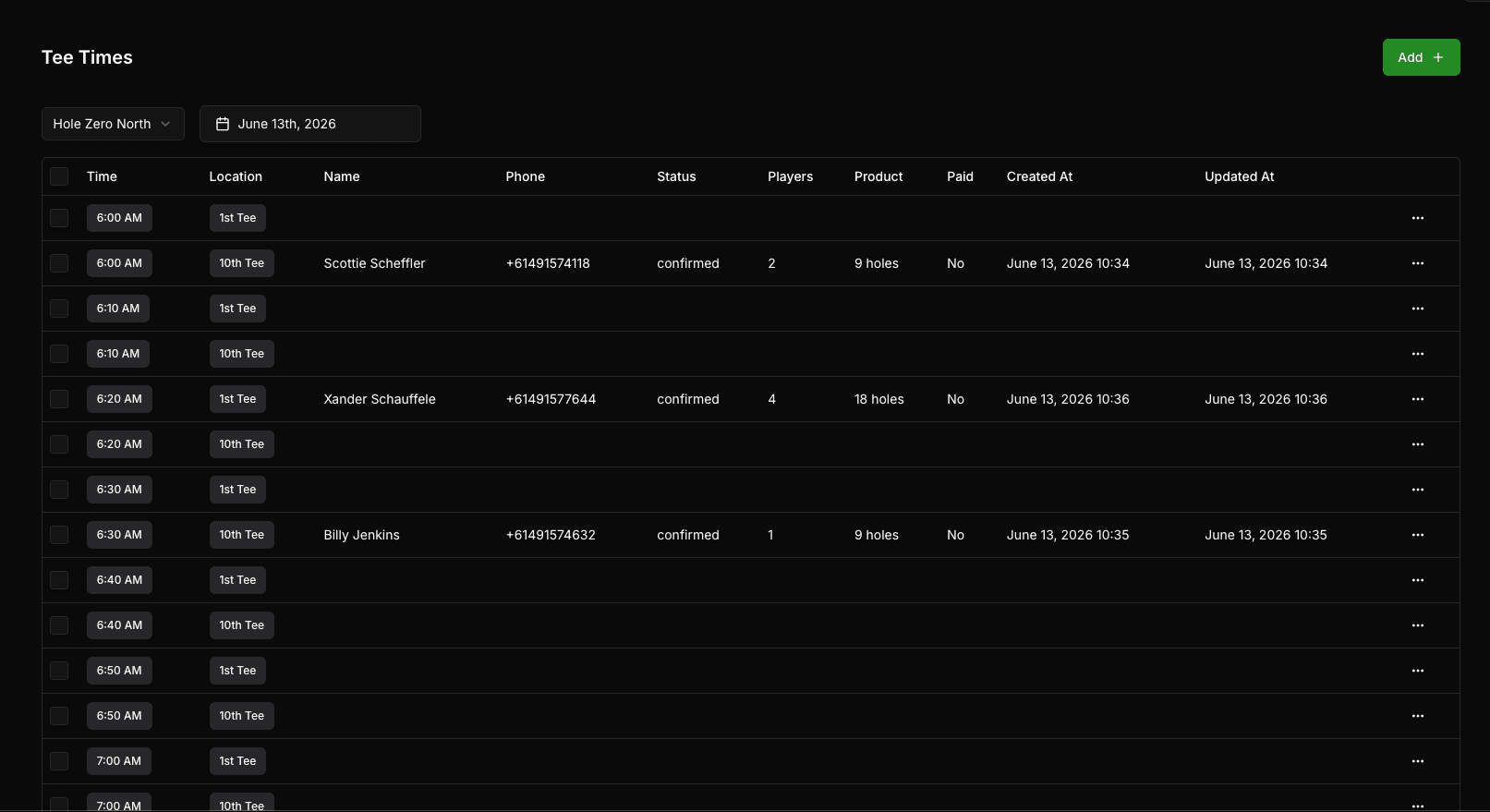
Manage your tee sheet
Add tee times, group bookings, and walk-ups from a single tee sheet. Drag, drop and edit in seconds.
- Visual tee sheet for the week
- Add bookings, groups and walk-ups
- Real-time availability updates
Step 4
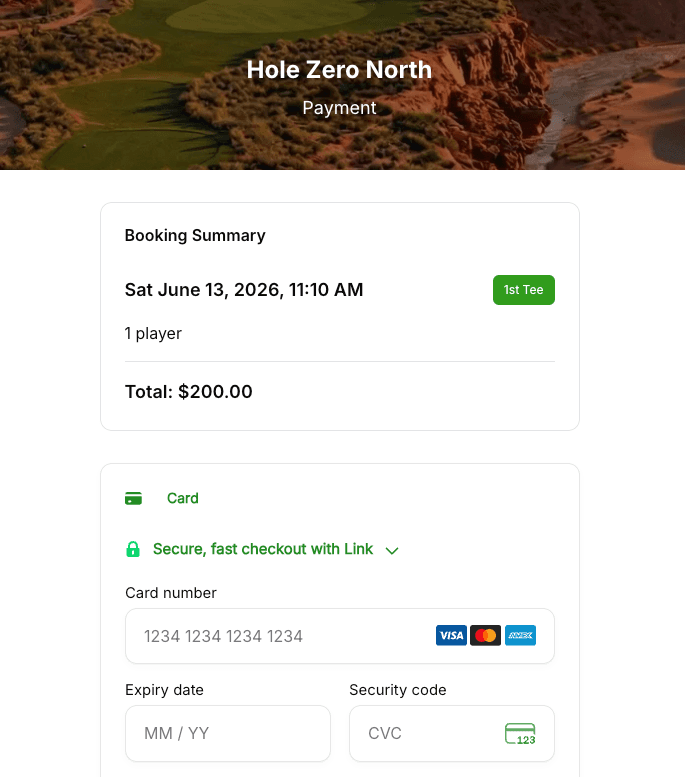
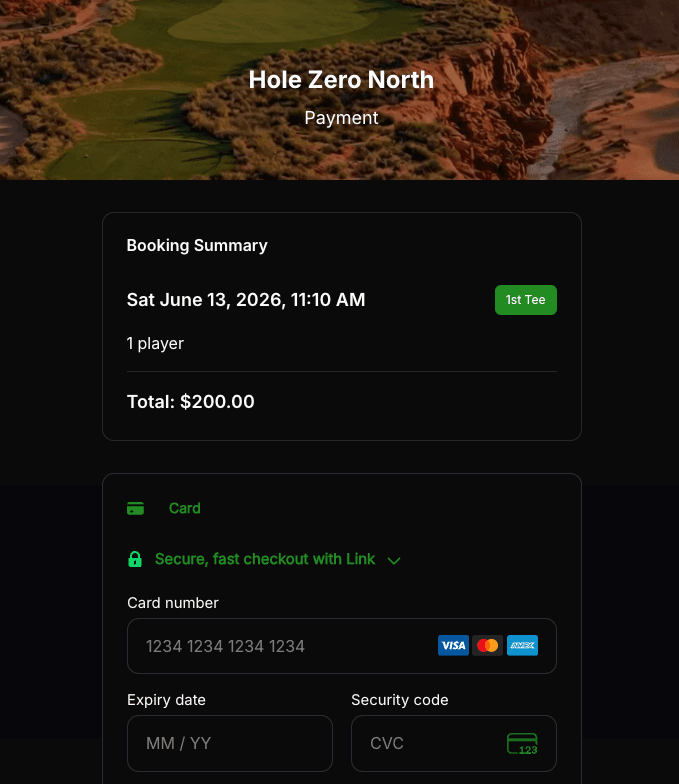
Accept online bookings
Players can book and pay online 24/7. Payments handled securely and funds are deposited straight to your account.
- 24/7 online booking for players
- Secure payments
- Automatic confirmations and reminders
Ready to Transform Your Golf Club?
Become the among the first to experience the power of holezero
Book a DemoNo credit card required. Takes just 2 minutes to get started.